Nostlan
A downloadable tool for Windows, macOS, and Linux
TOP 500 in paid tools on itch.io (July 2025)
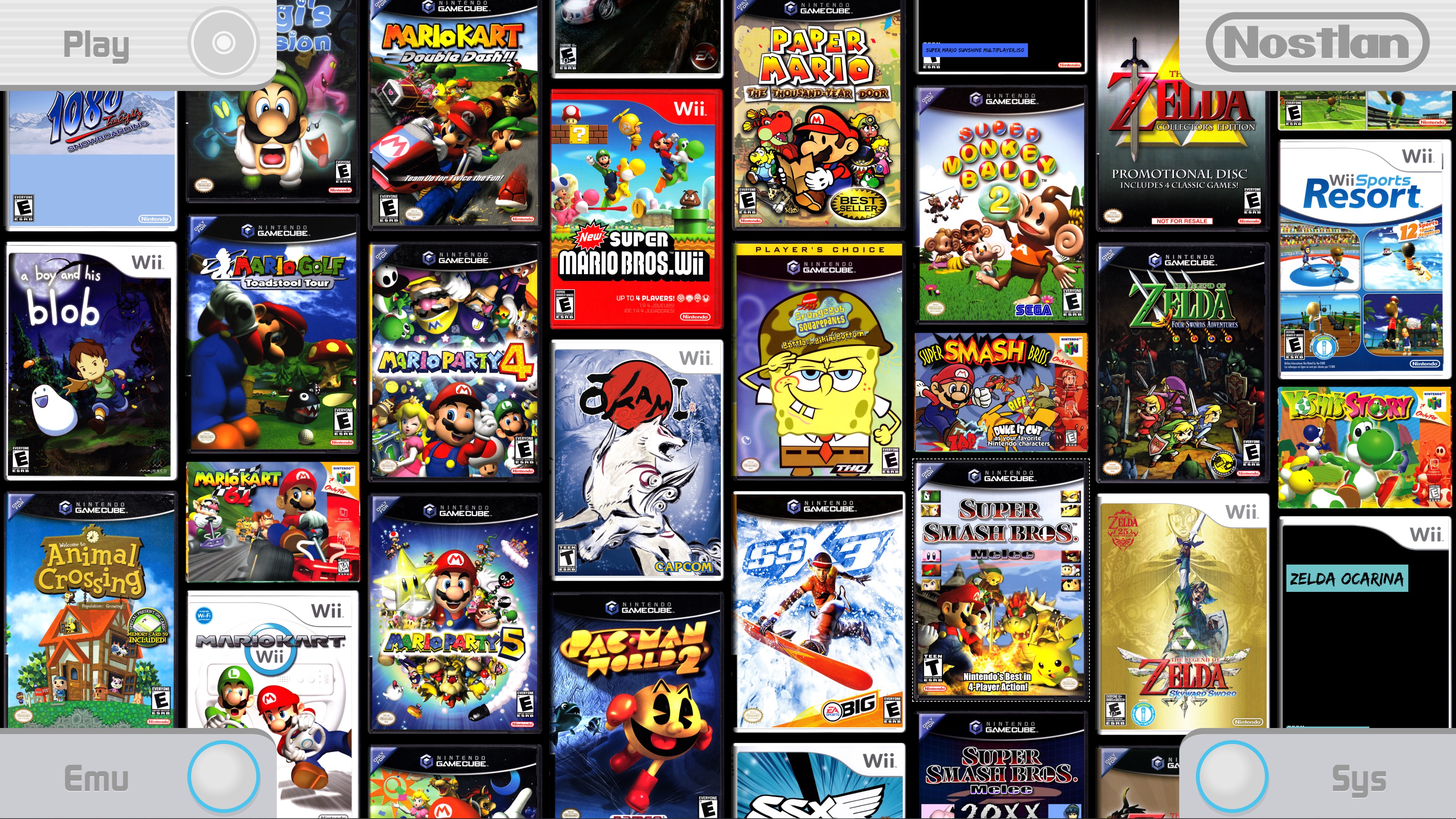
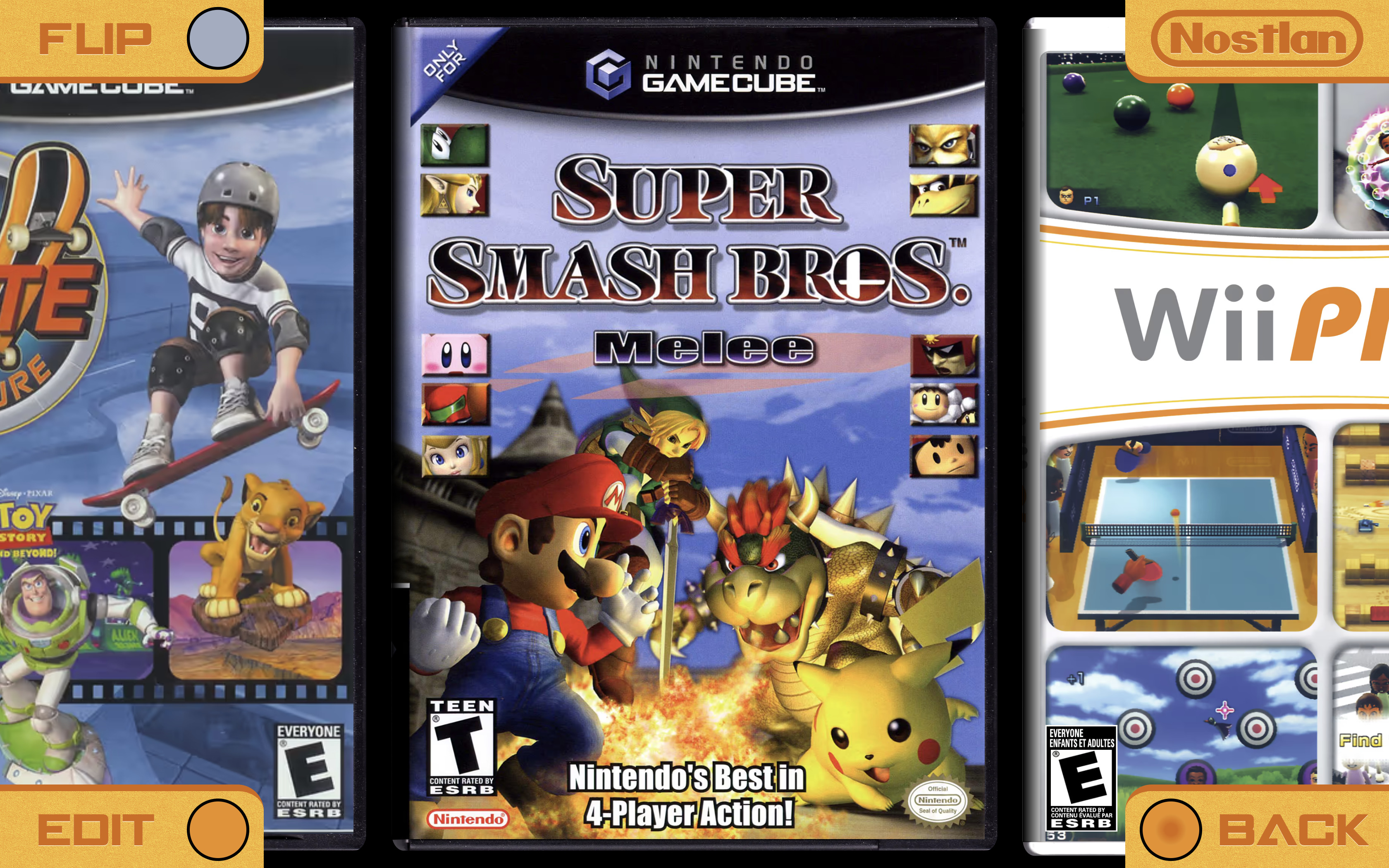
Nostlan isn't just a fancy file browser for your game files, it brings the console gaming experience to your computer!
This one time purchase grants you lifetime access to all future updates.
Try before you buy! Download a free demo with unlimited game imports for the Nintendo GameCube/Wii consoles.
Total emulation noob?
With Nostlan you can install new emulators with a single click. It's never been easier to get started with emulation!
Hardcore collector?
A big bookshelf of game boxes is an impressive feat. A list of games displayed by a file explorer? Pretty lame.
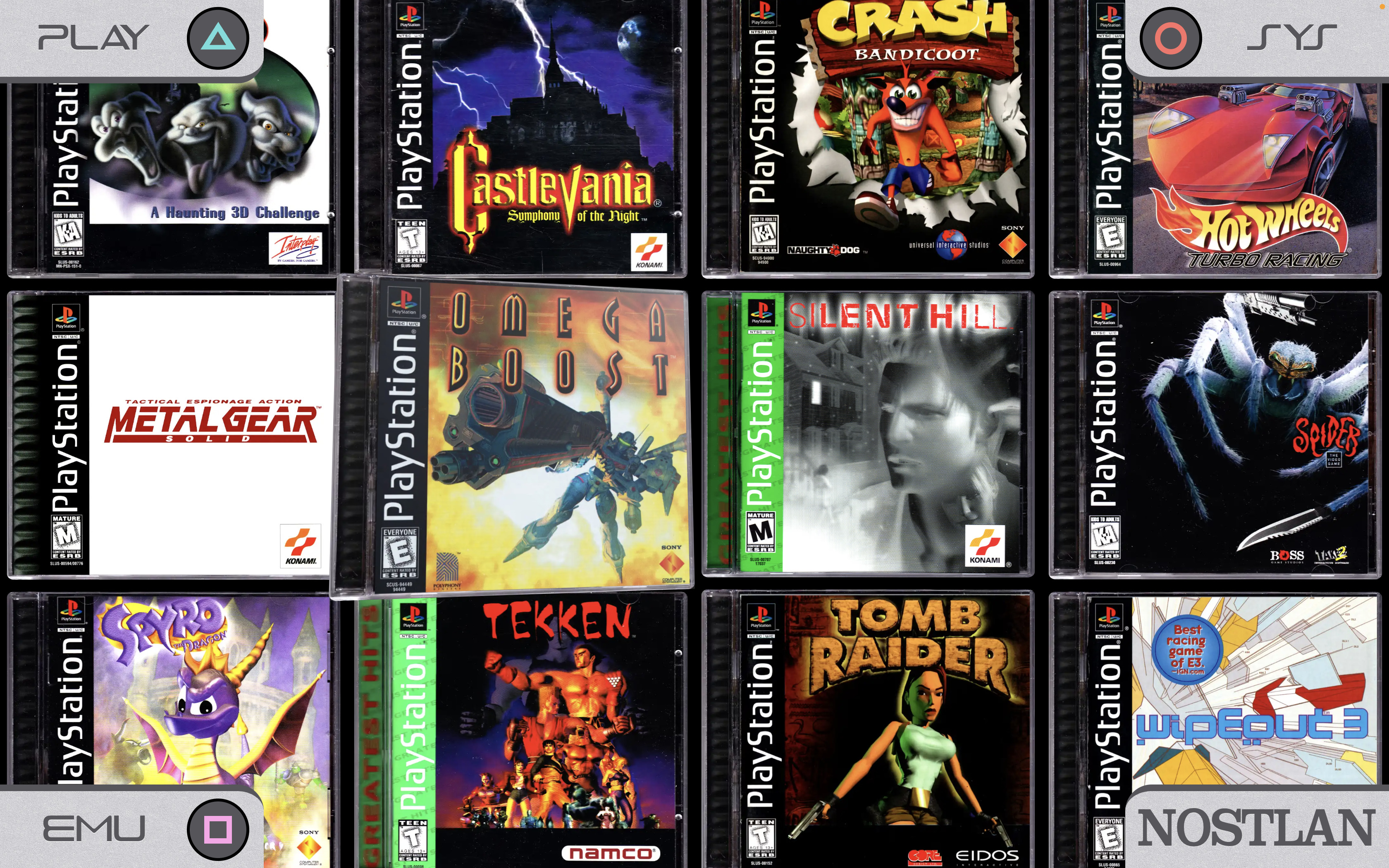
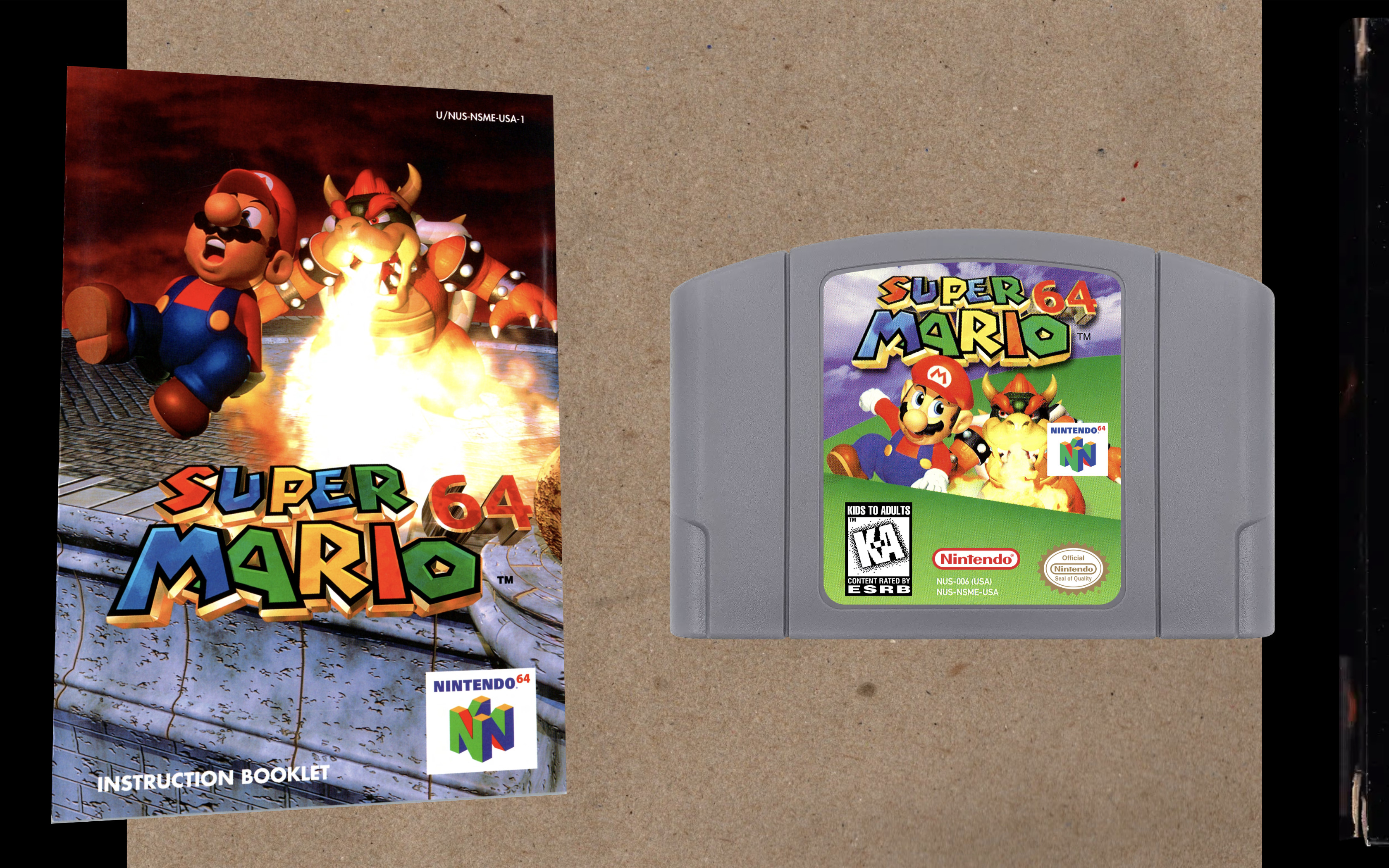
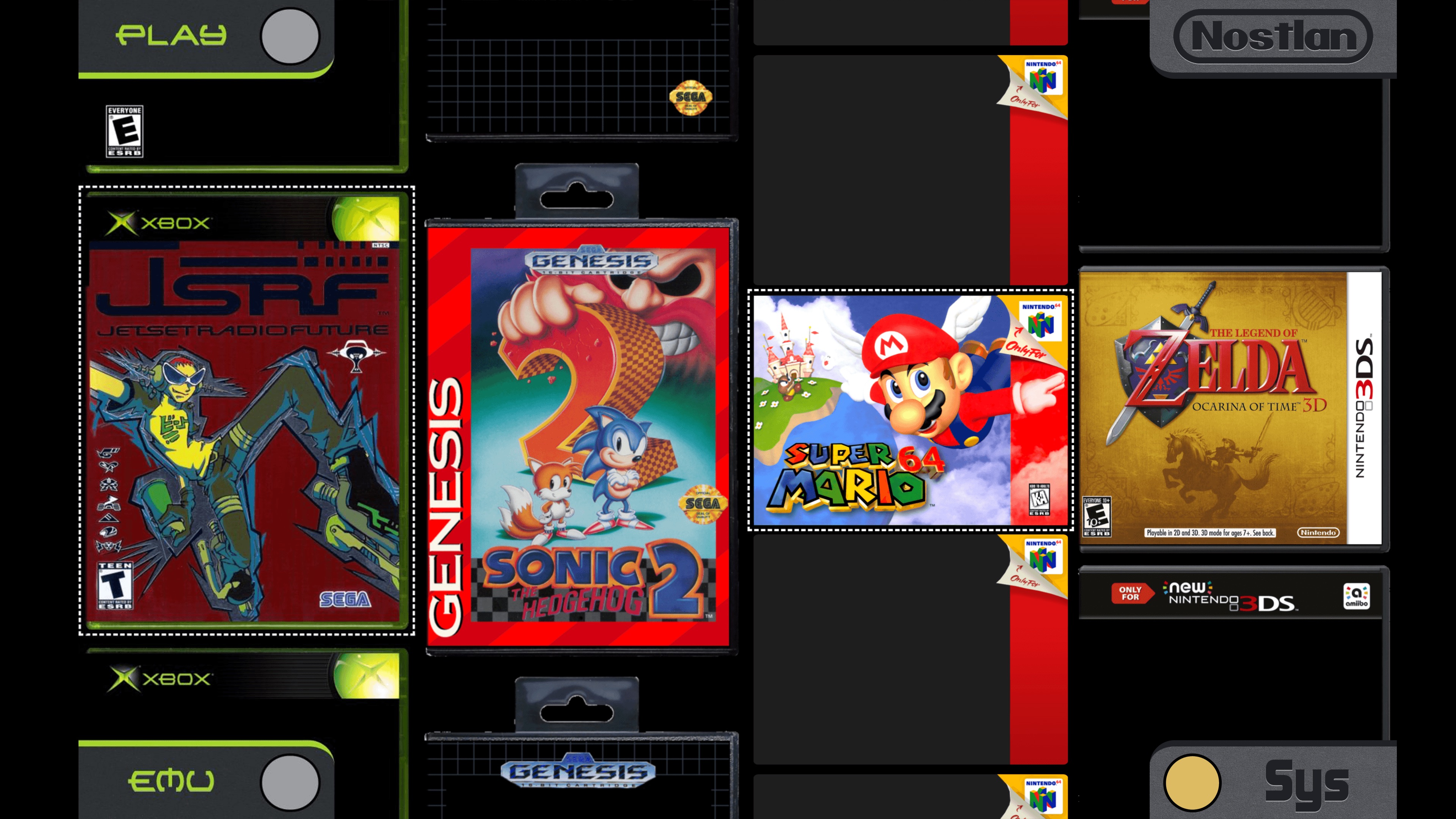
With Nostlan you can show off your digital collection with high quality box art. Nostlan is unlike any other launcher thanks to its minimal, skeuomorphic UI design. It's like a virtual game room!
Couch gamer?
Nostlan was designed to be used with a game controller, so you won't have to use a mouse and keyboard if you don't want to. Nostlan's UI uses large text only, making it perfect for a big UHD TV or projector.
Looking to play retro and modern games?
Systems supported: Arcade, DS, 3DS, GBA, N64, PS1, PS2, PS3, PSP, SNES, SEGA Mega Drive/Genesis, Nintendo Switch, Wii, Wii U, Xbox, and Xbox 360.
Emulators supported: bsnes, Cemu, Citra, Cxbx-Reloaded, DeSmuME, Dolphin, DuckStation, DS Player, em-fceux, MAME, melonDS, mesen, mupen64plus, mGBA, PCSX2, PPSSPP, RPCS3, Ryujinx, Ryujinx-LDN, snes9x, VBA, webretro, xemu, Xenia, and Yuzu.
Features
- browse the entire app with your mouse, keyboard, or game controller
- cloud backup and sync of game saves
- automated install of many emulators
- no nonsense setup with sensible defaults
- automatic downloads of the highest quality 4K+ game box art
- nostalgic UI themes for each supported console
- designed for big UHD displays and projectors
- most controllers connect to Nostlan automatically, no setup required
- menu translations for Spanish, German, Hebrew, Russian, and Dutch
- cross-platform support for Linux, macOS, and Windows
- box edit mode provides an in-app image search (no need to download and manually place image files in the right folder)
- can launch games using standalone emulator apps
- also utilizes JavaScript/WASM based emulator cores
- browser-based features are completely isolated from the main process in accordance with the latest Electron app security standards
- advanced customization: edit launch commands and customize themes
Join the fun!
Join the Nostlan community Discord. 😄
Big fan? Support the development of Nostlan on Patreon! ✨
Documentation
Learn more about Nostlan by reading the wiki pages.
Contact
Contact me on Discord with your comments, question, suggestions, or if you need any general help using the app.
Please report technical issues and make specific feature requests on this project's GitHub repo.
Is Nostlan safe to use?
Allow me to introduce myself, my full legal name is Quinton Michael Ashley.
I created Nostlan for fun and also to learn more about app development. Since Nostlan started as a personal project I wasn't under any pressure to make it look like a corporate website. Nostlan is an experiment in UI design. I consider it a work of art that I'd like to make some money from, but I have no interest in collecting your usage data, hijacking your cpu to mine crypto sh*tcoin, or doing anything malicious.
I also put a LOT of effort into following the latest Electron security standards. All the 3rd party emulator cores that Nostlan uses are sandboxed, meaning they run in isolation from the main process.
Legal Info
Nostlan was designed to enhance the experience of managing and playing legally obtained video games through compatible emulators. It is developed and distributed as an independent software project and is not affiliated with, endorsed by, or sponsored by any console manufacturer or game publisher.
U.S. courts have consistently held that emulator software is legal when developed independently without copying proprietary source code. Downloading or sharing games you do not own is illegal.
For more information, please read Nostlan's "Legal Info" wiki page.
Copyright & Trademarks
Nostlan was created by Quinton Ashley Copyright © 2019-2025.
Any trademarks and servicemarks referenced in this app are the property of their respective owners.
MAME and the MAME Logo are Copyright © 1997-2025 MAMEDev and contributors. MAME® is a registered trademark of Gregory Ember. Use of the MAME name and logo is done so with the expressed written permission from the trademark owner.
Purchase
In order to download this tool you must purchase it at or above the minimum price of $15 USD. You will get access to the following files:
Download demo
Development log
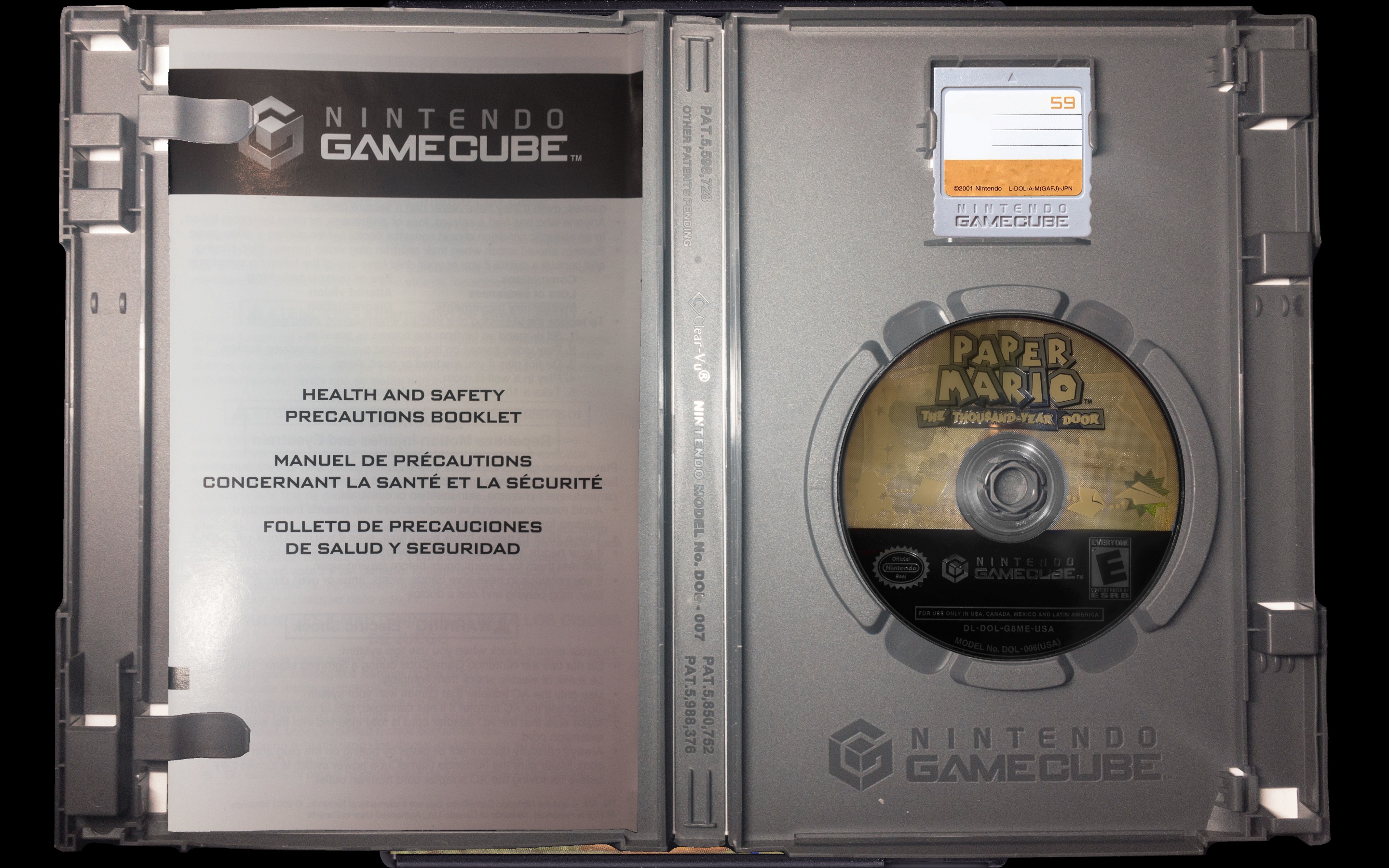
- Nostlan v3.4 : Open Box UpgradesOct 09, 2025
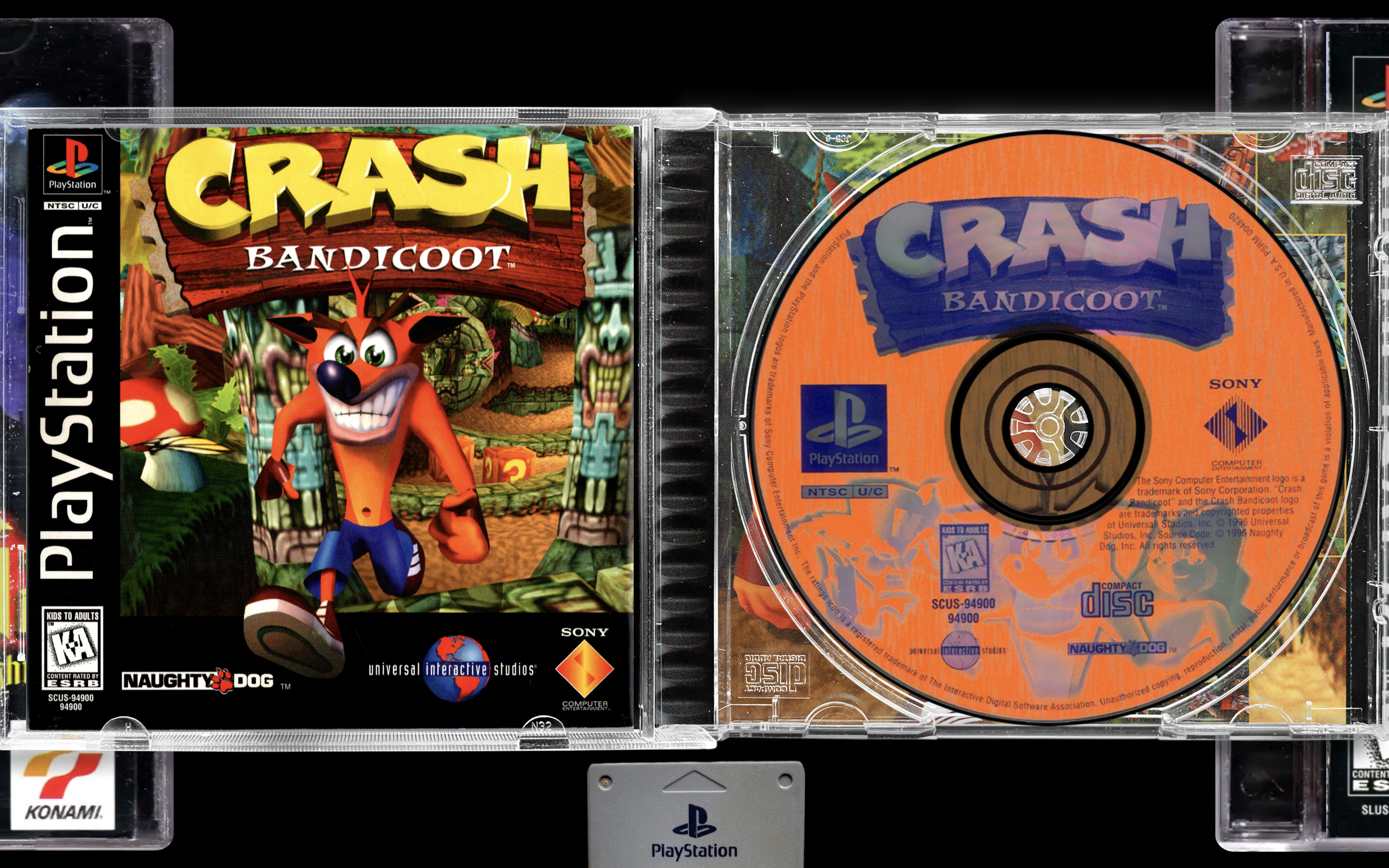
- Nostlan v3.3 : PS1 Open Case ViewSep 29, 2025
- Nostlan v3.2 : PS1 SupportAug 31, 2025
- Nostlan v3.1.1 : Bug FixesAug 25, 2025
- Nostlan v3.1 : New Image DatabasesAug 21, 2025
- Nostlan v3.0 : AVIF SupportAug 12, 2025
- Nostlan v2.8 : UI AnimationsJul 16, 2025
- Nostlan v2.7 : Game Save Syncing Included!Jul 02, 2025